EasyJPEG
Convert and compress files on your Mac, iPhone, and iPad.
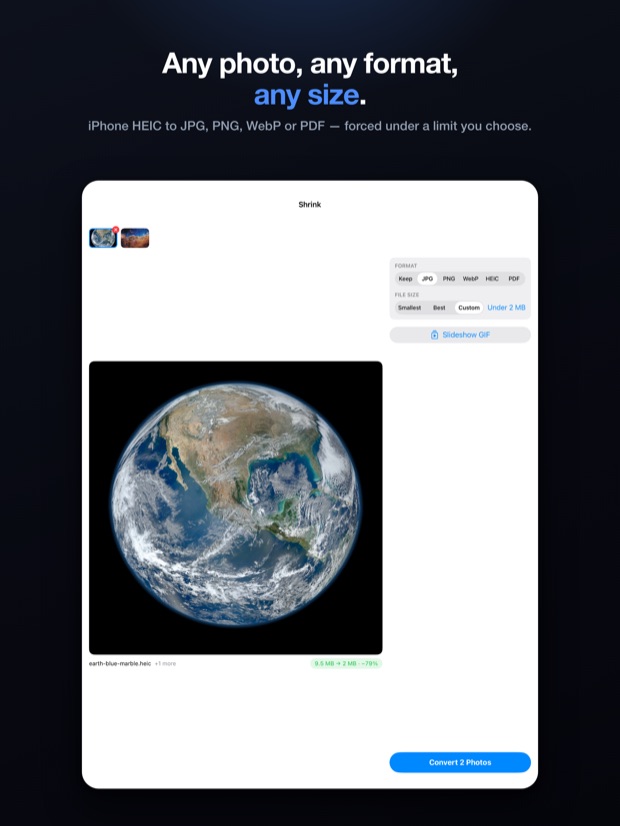
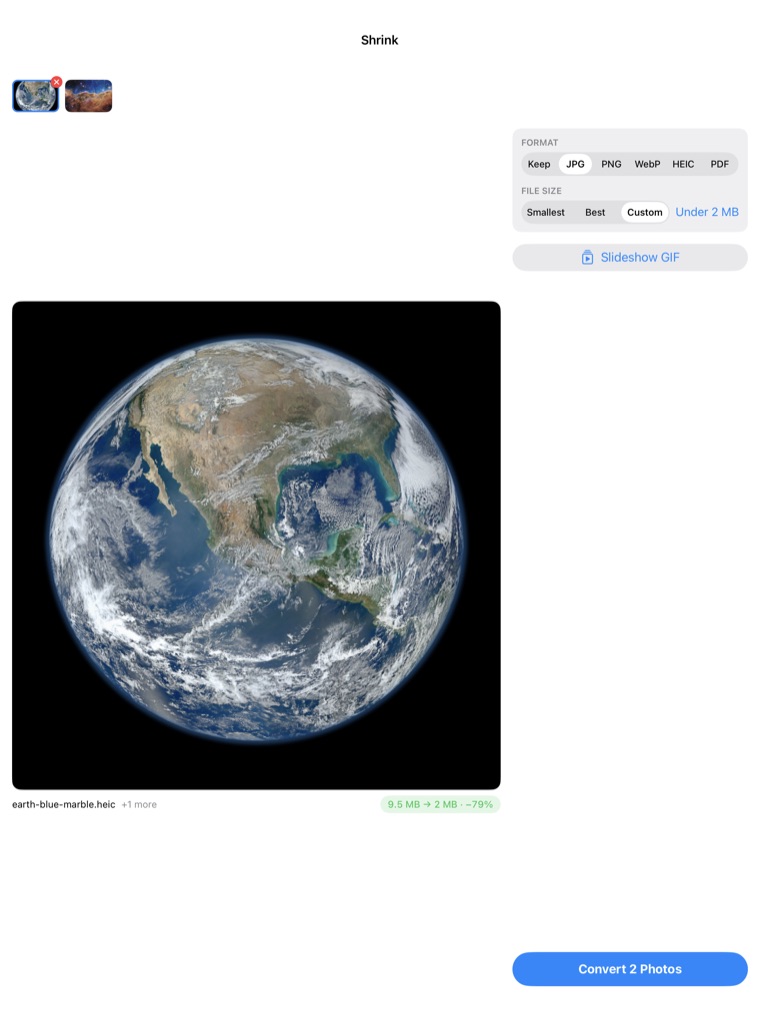
A site wants a JPG under 2 MB. Your iPhone just made a 9 MB HEIC.
Set the format and the size you need, and EasyJPEG gets you there. It handles photos, PDFs, Word documents, video, and GIFs, and it all happens on your own device. Every feature is free.
Download on the App StoreOne app for Mac, iPhone, and iPad.
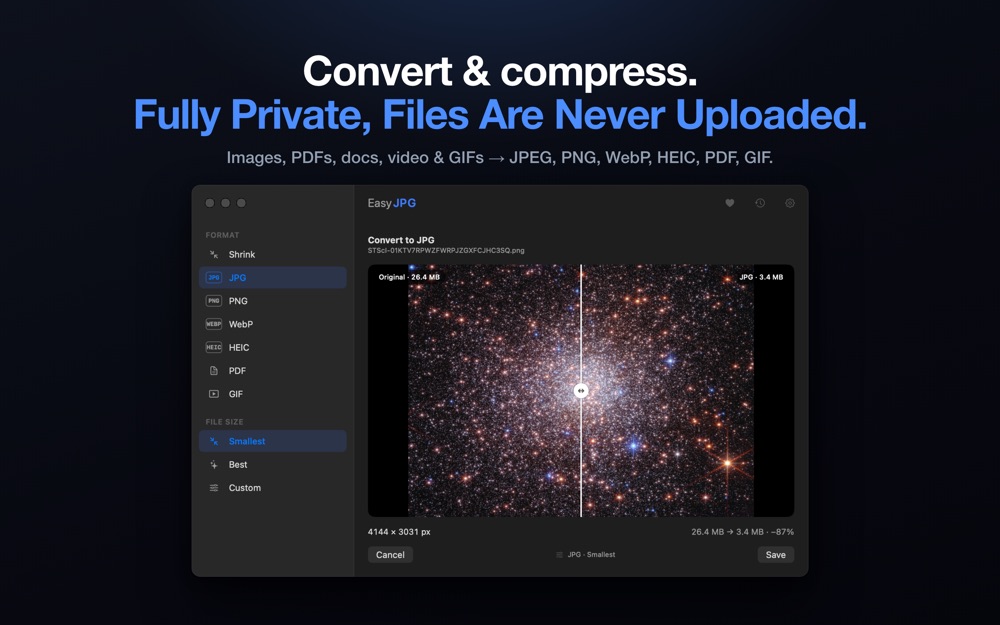
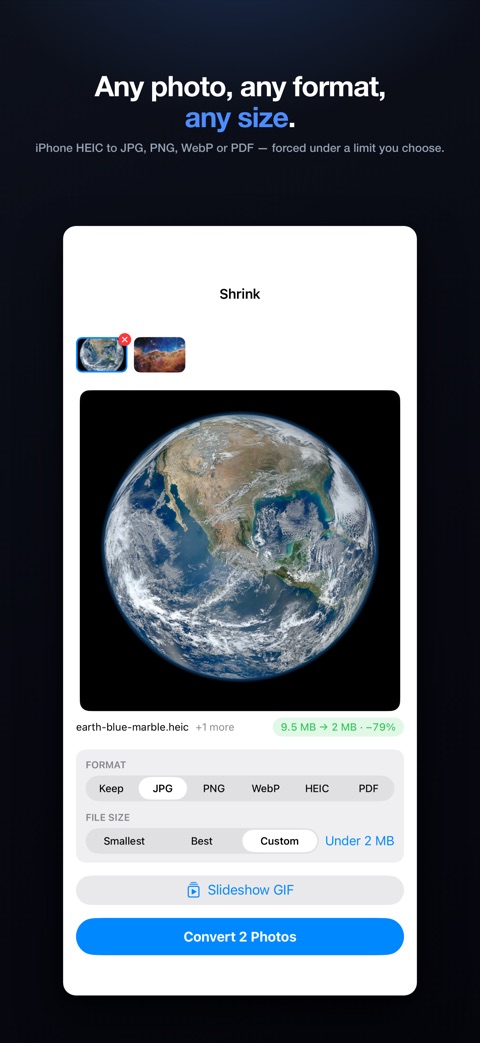
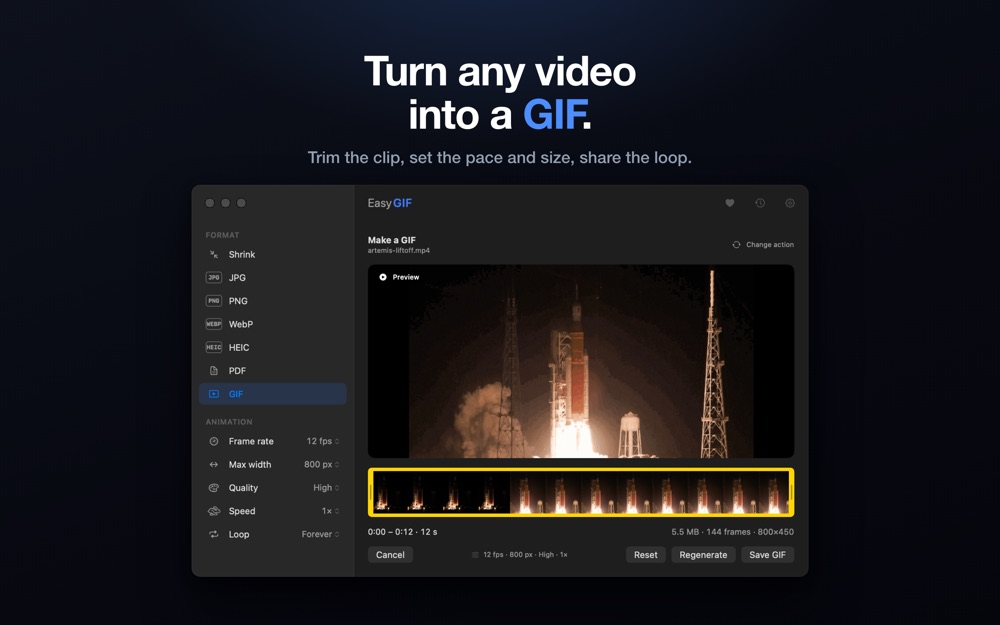
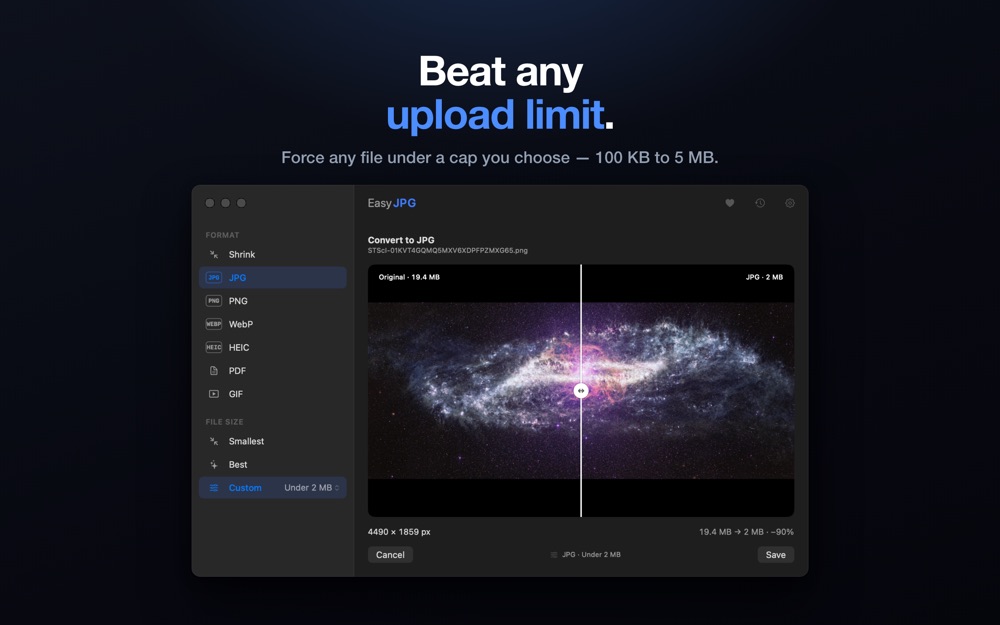
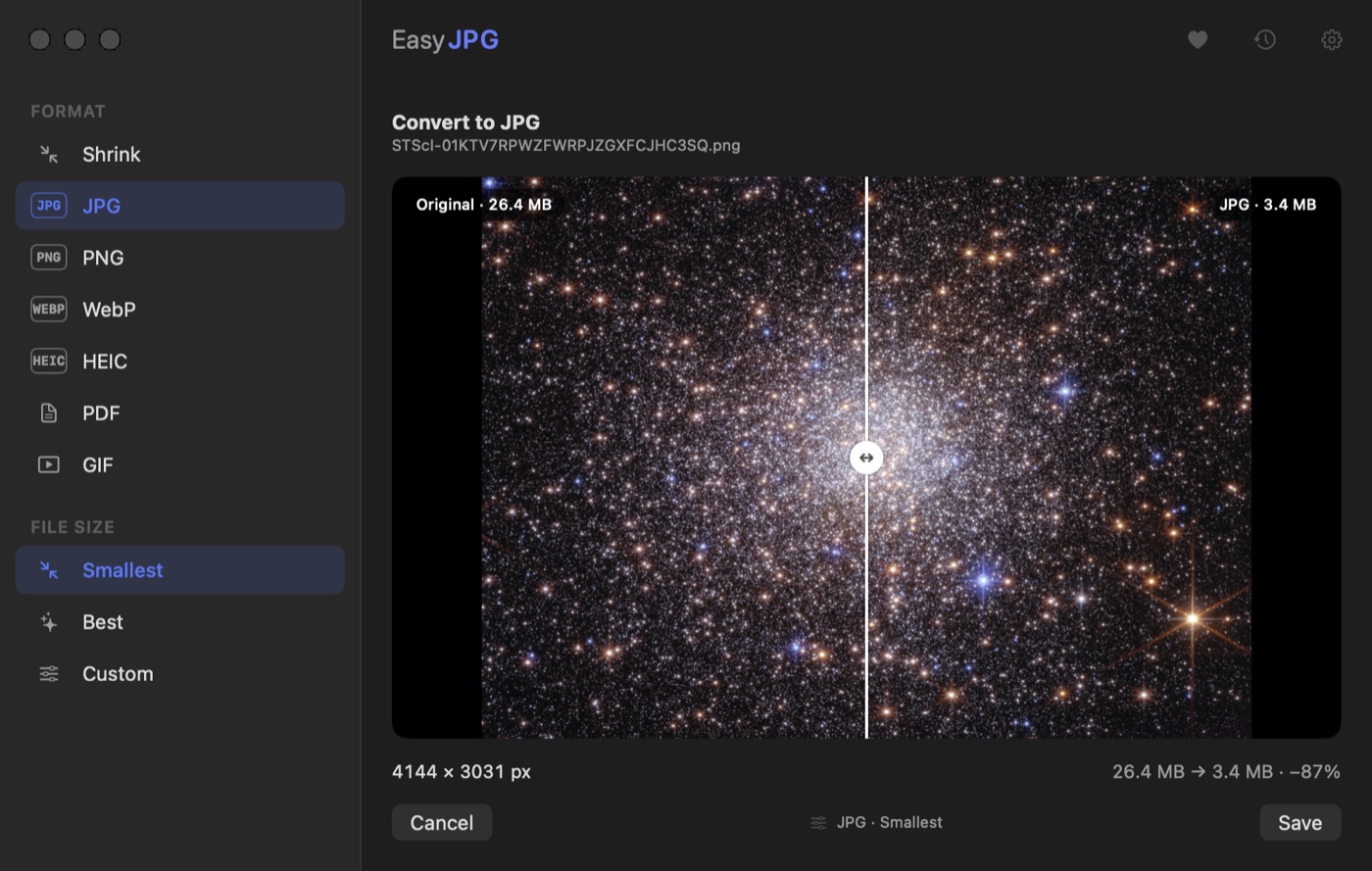
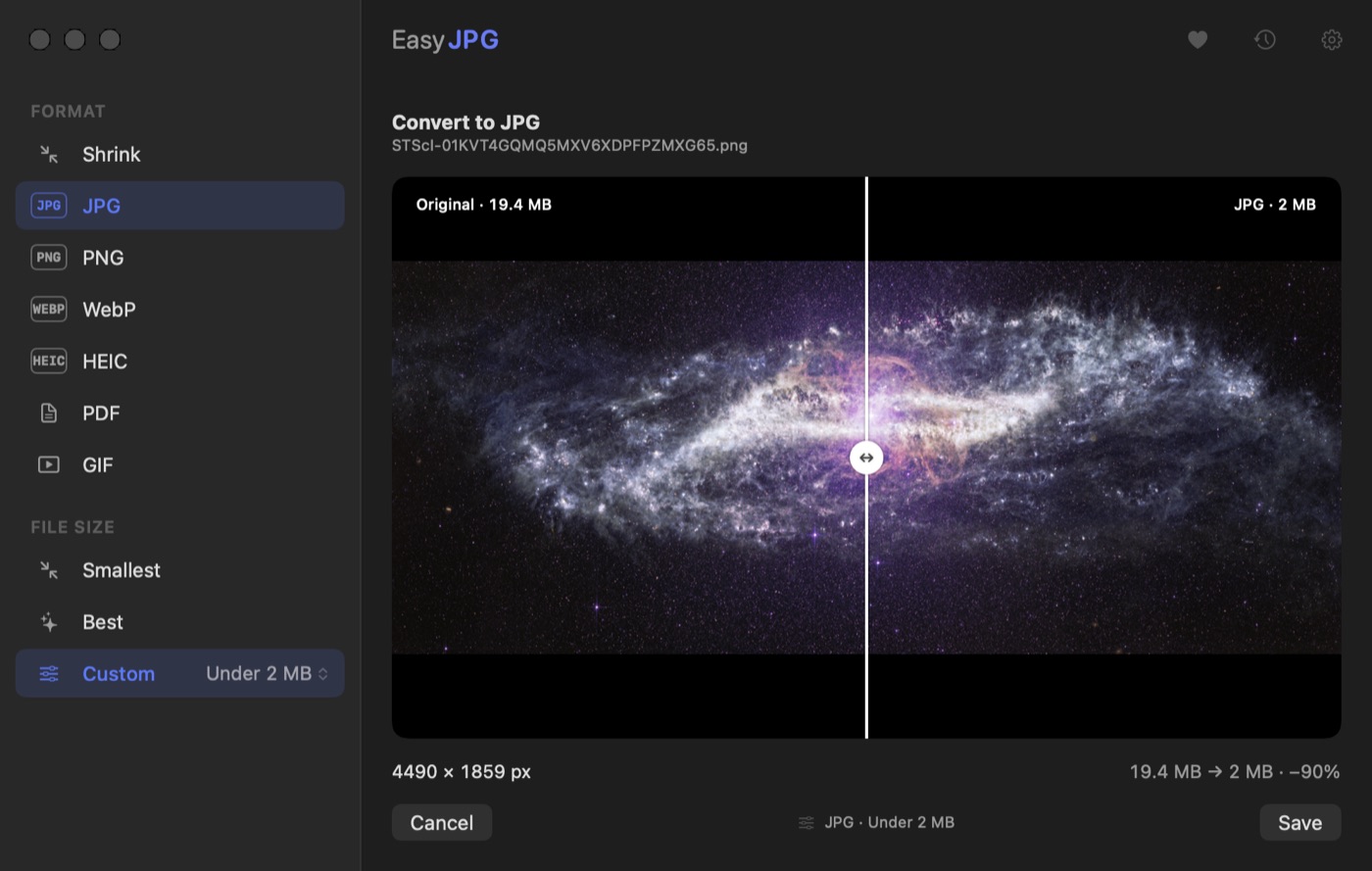
Set a size. It lands under it.
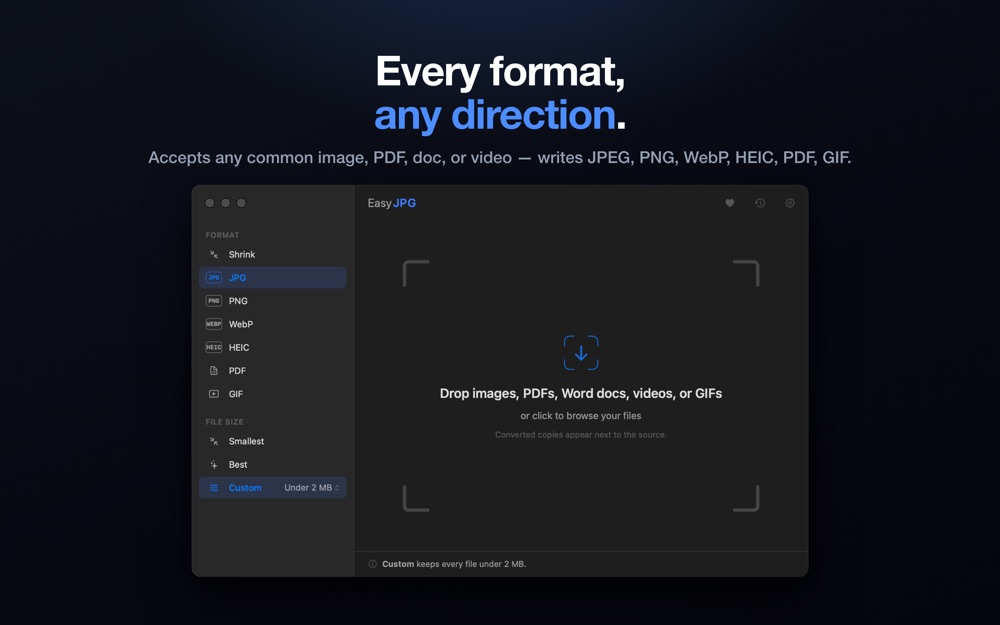
Choose a maximum anywhere from 100 KB to 5 MB, and every file comes out below it — not close to it, below it. Useful for upload forms, email attachments, and anything with a hard size limit.
What it looks like
Mac
Drop in a single file or a whole folder.
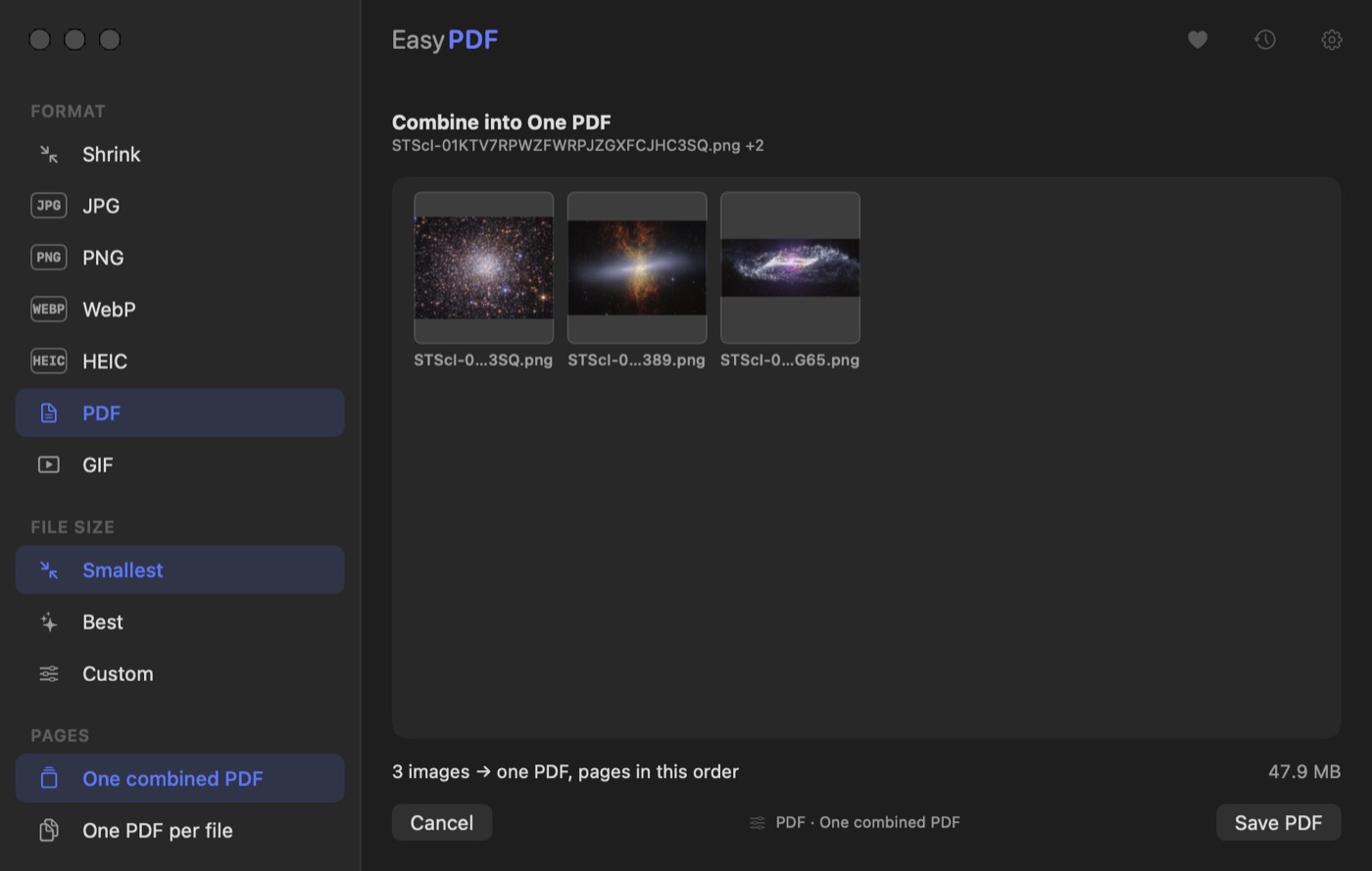
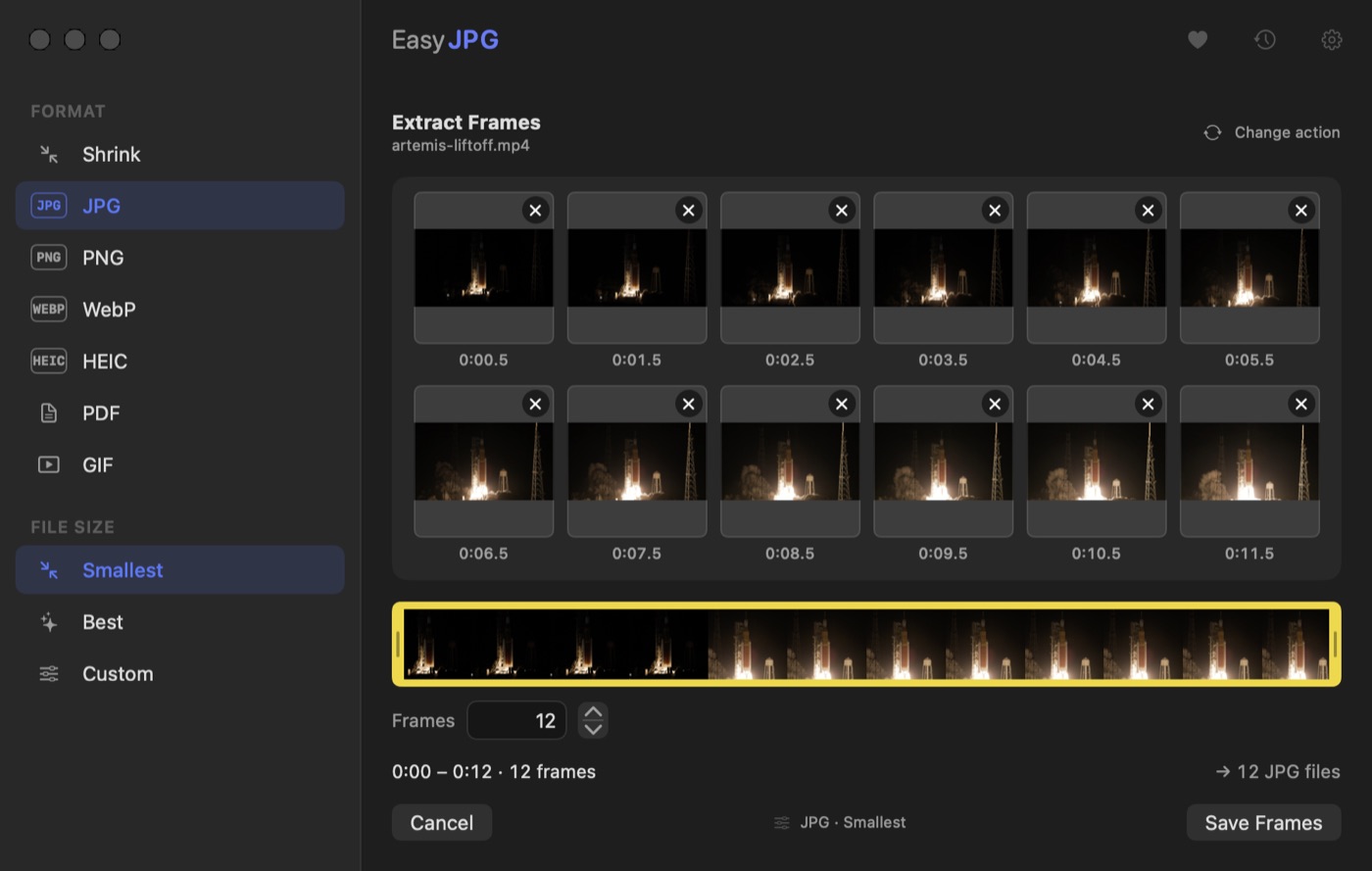
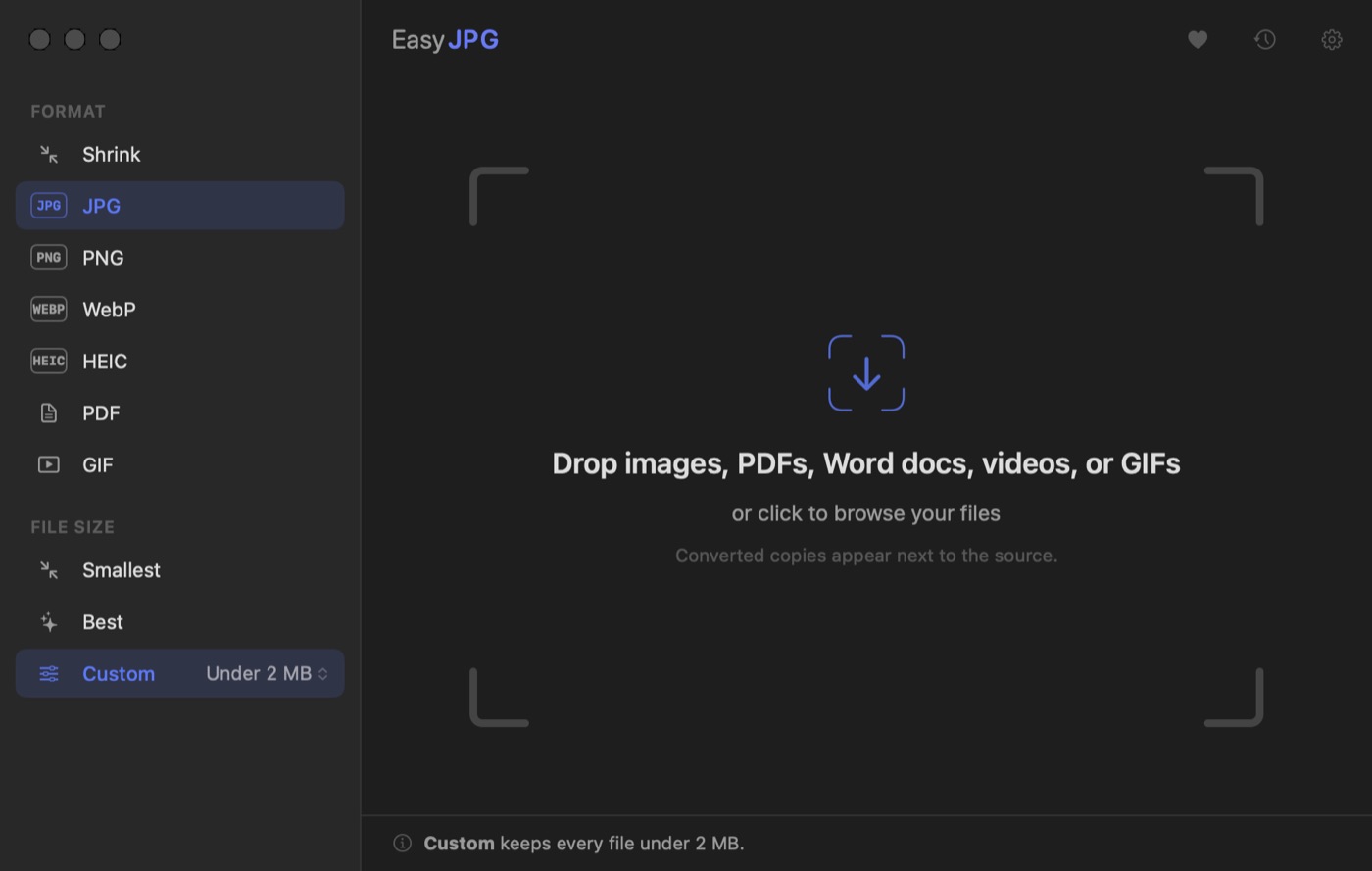
Scroll for more →
iPhone
New in version 1.2.
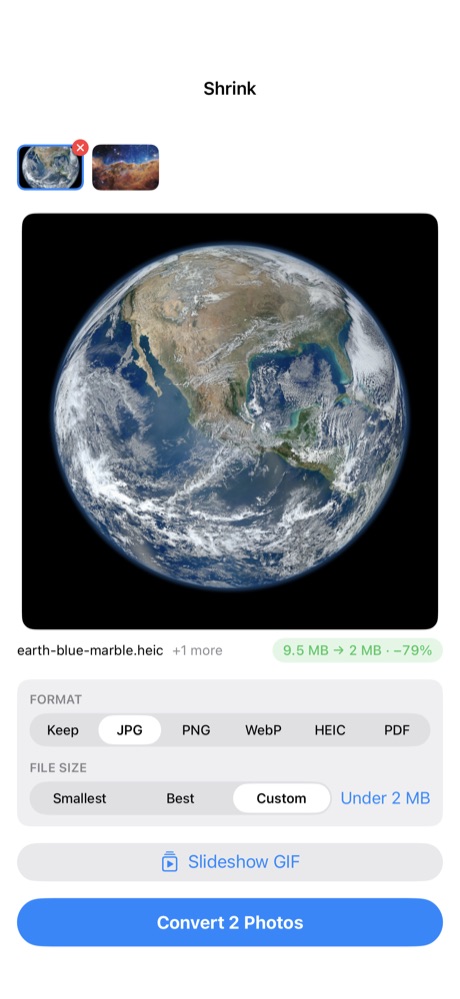
Scroll for more →
iPad
Two columns, drag and drop, keyboard shortcuts.
Scroll for more →
Everything it does
The full list, in four groups. Anything without a label works on all three devices.
Photos
- Convert between JPEG, PNG, WebP, and HEIC in any direction. HEIC to JPG for a site that won't accept iPhone photos, PNG to JPG, WebP to PNG, and so on.
- Set a maximum file size. Choose Smallest to compress as far as it goes without visible quality loss, or set your own limit anywhere between 100 KB and 5 MB.
- PNGs get compressed, not just re-saved. The app cuts down the number of colors it stores and repacks the file, so they come out noticeably smaller and still look the same.
Video and GIFs
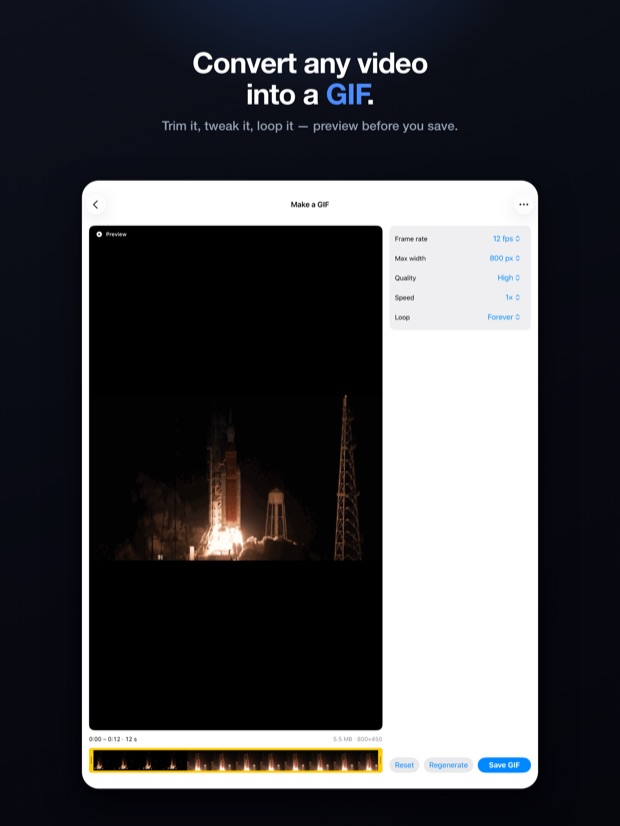
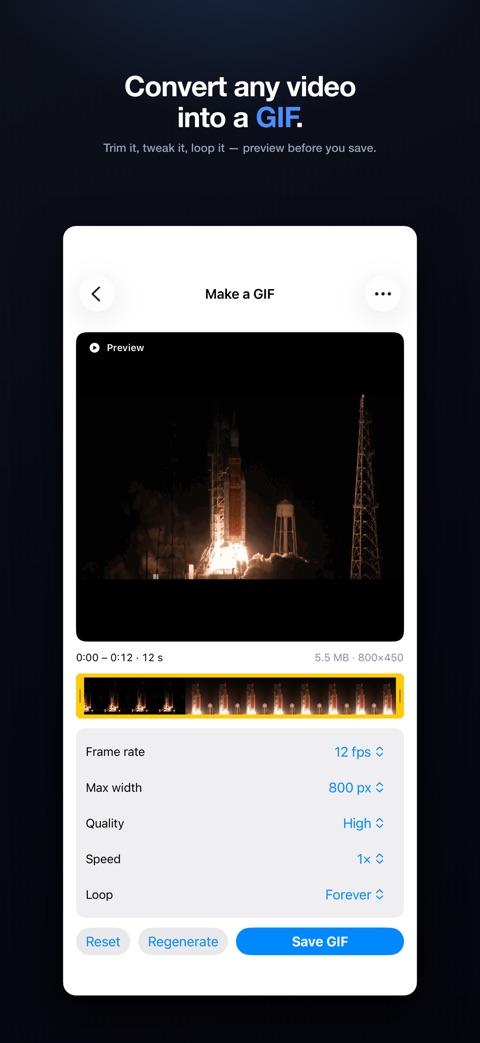
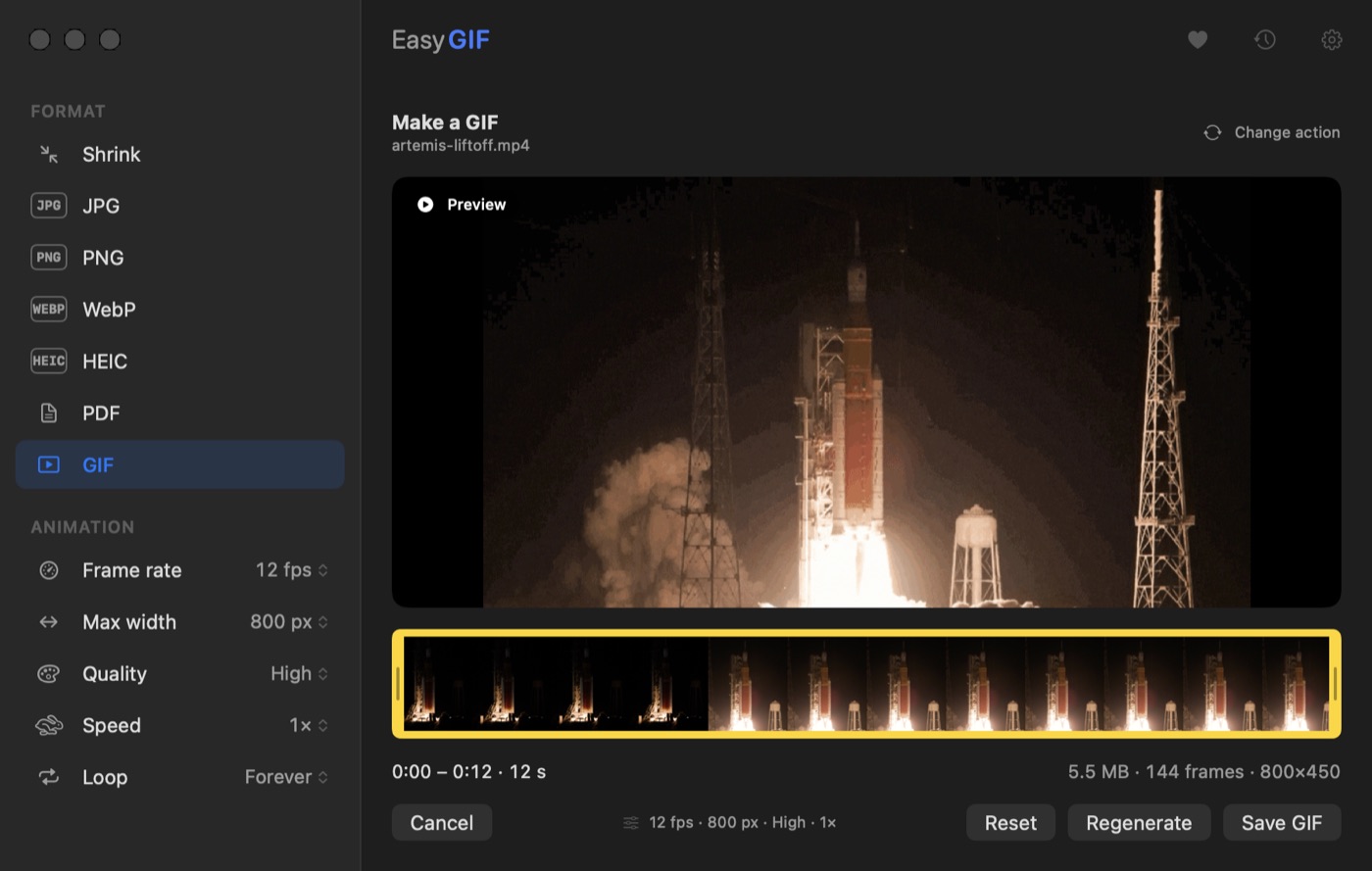
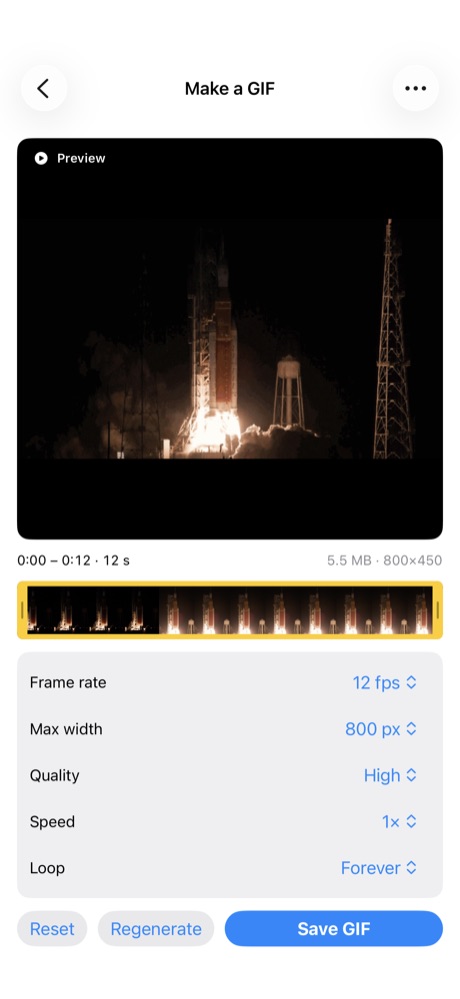
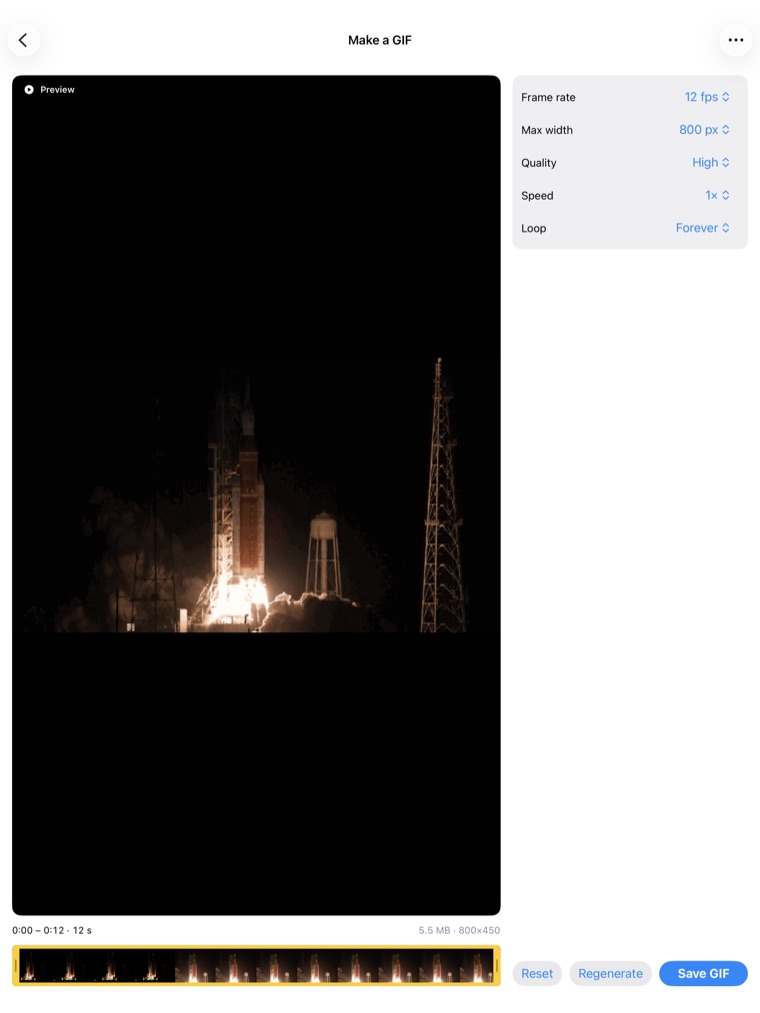
- Turn any video into a GIF. Trim the part you want, then set the frame rate, size, quality, speed, and how many times it loops: forever, once, or an exact number from 2 to 100.
- Know the size before you make it. The app estimates the finished GIF by measuring how much movement is in the clip. When it can't measure, it shows a worst case rather than guessing low.
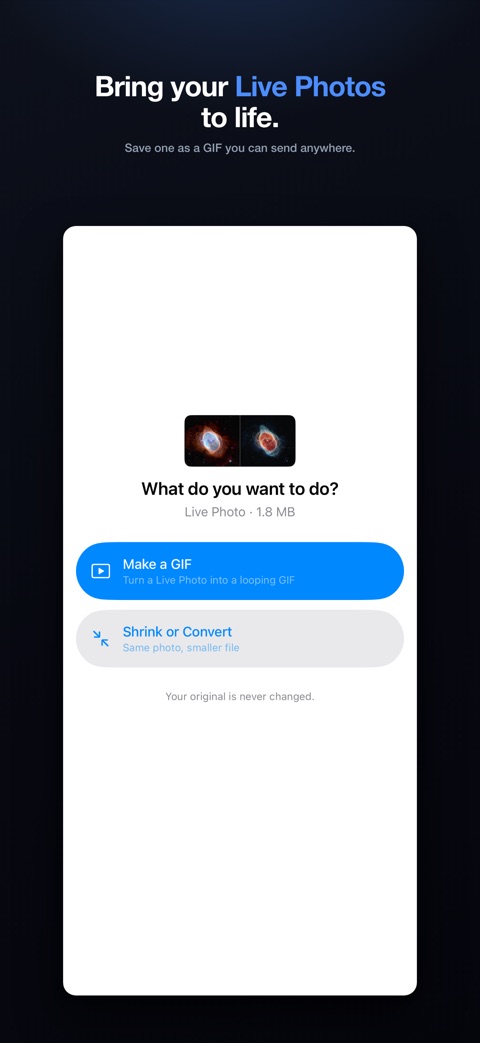
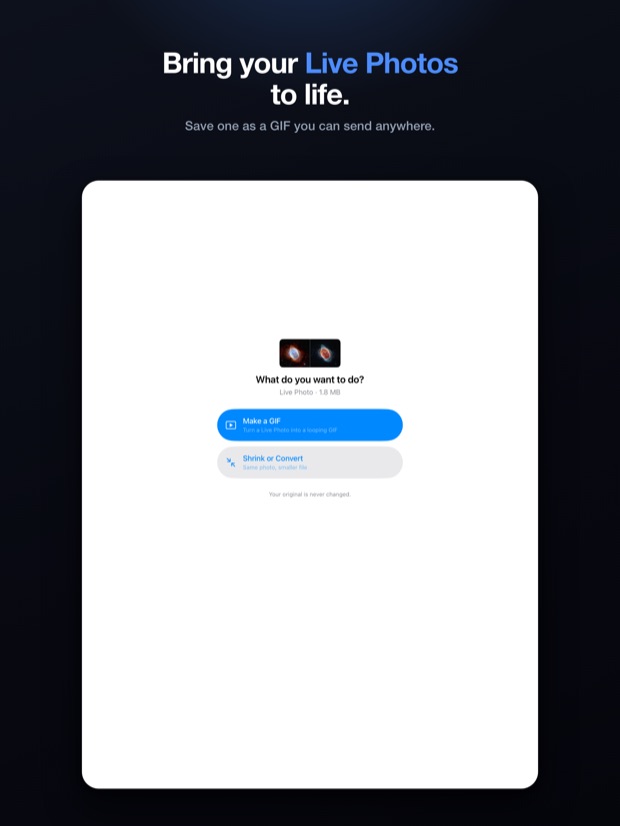
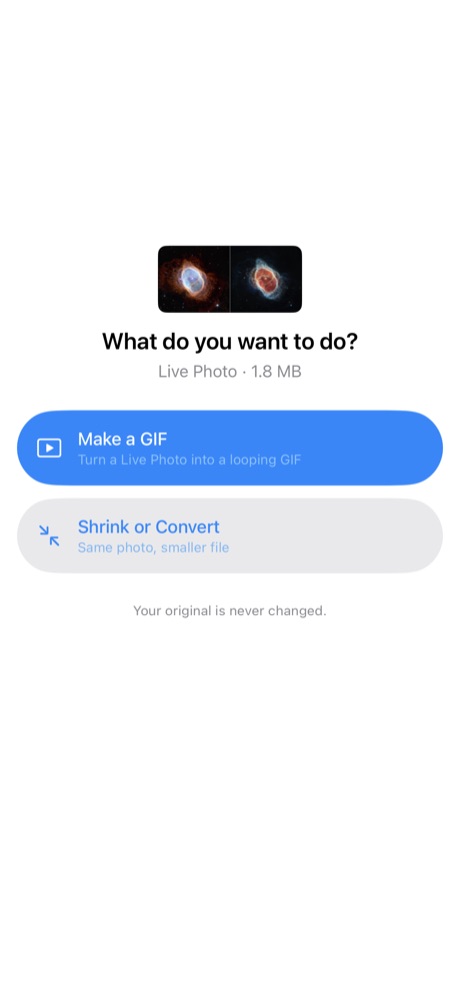
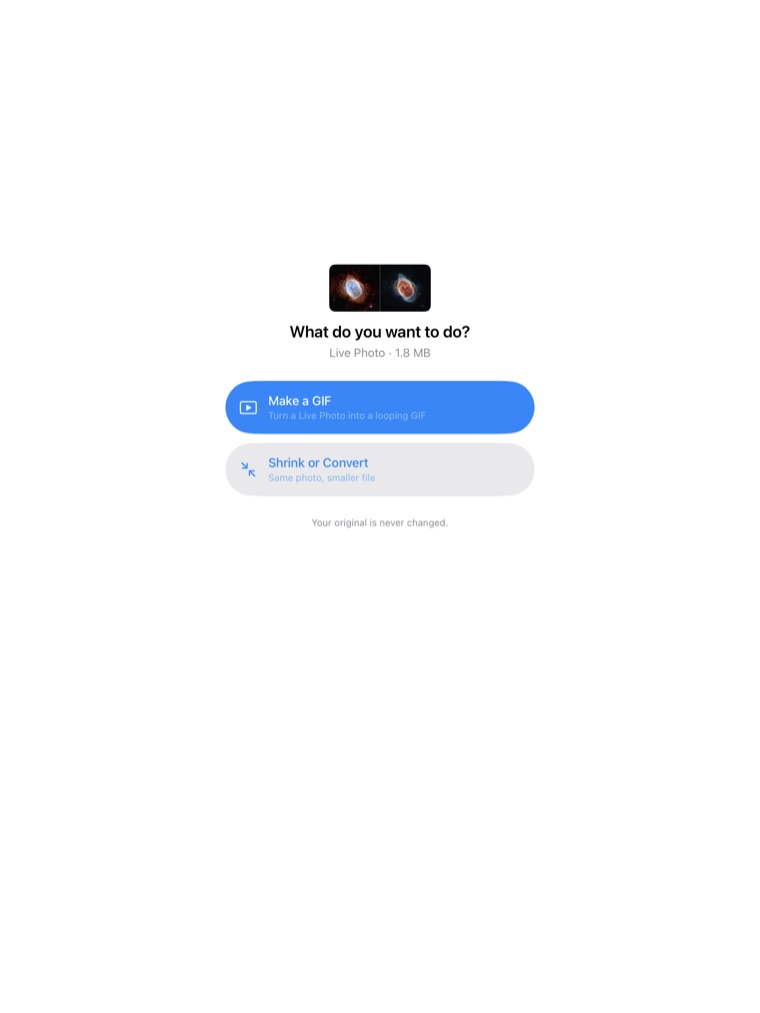
- Turn a Live Photo into a GIF. iPhone and iPad
- Shrink a GIF you already have without changing how it looks.
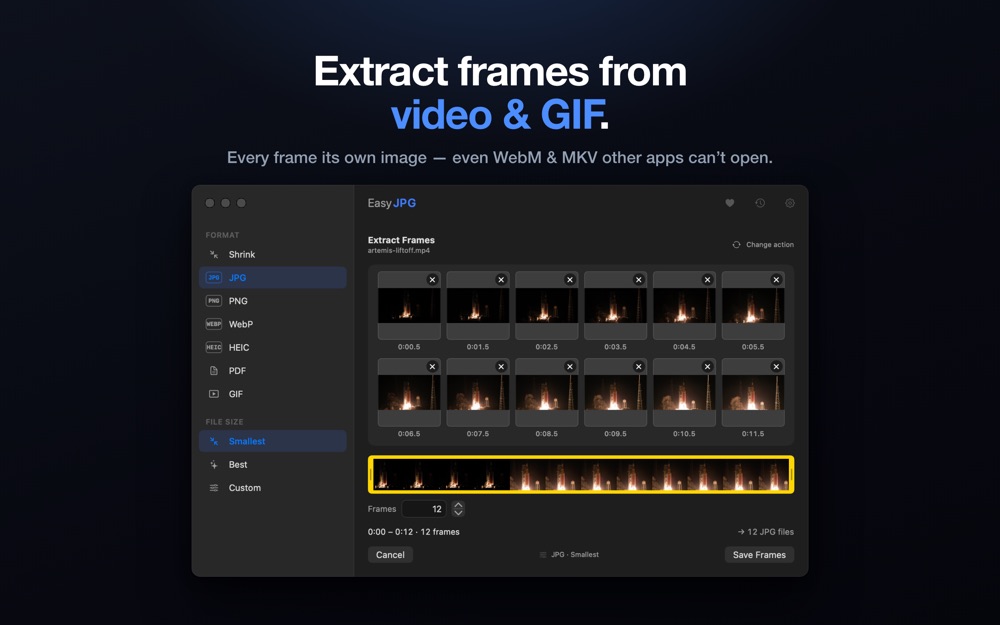
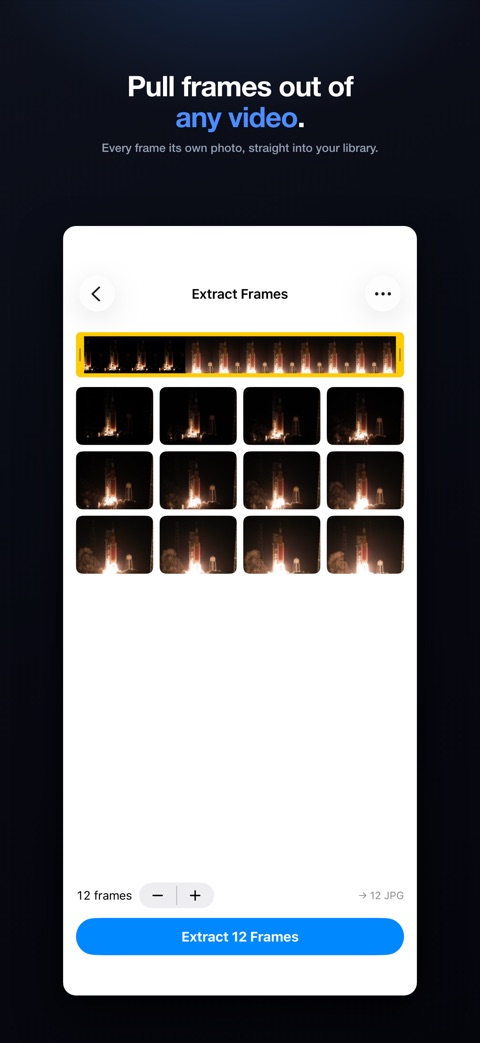
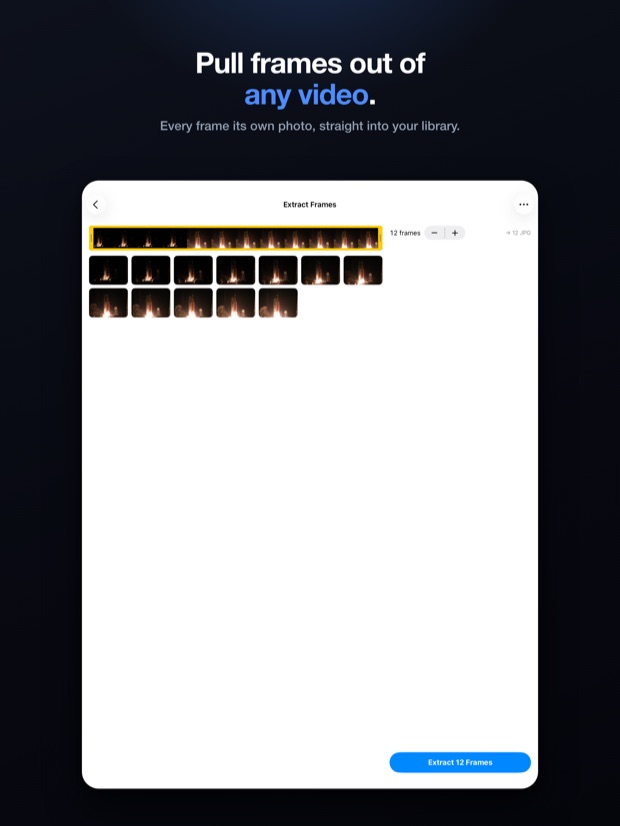
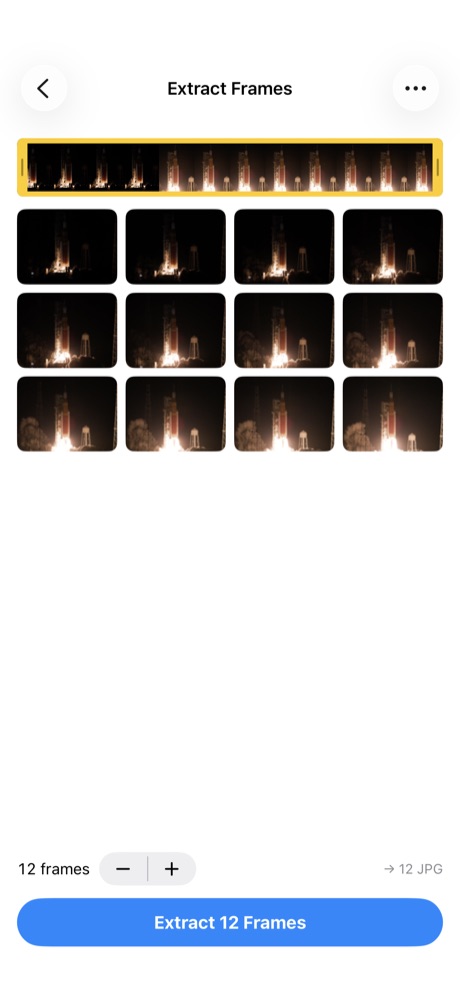
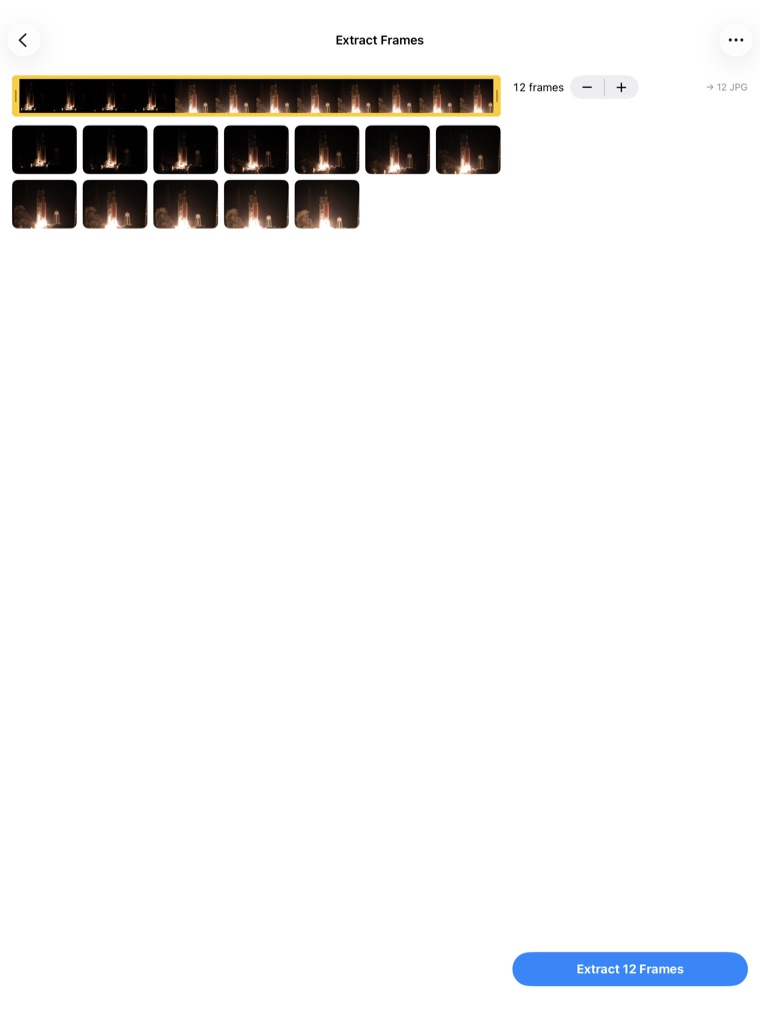
- Pull still frames out of a video or GIF. They come out evenly spaced, and you can remove the ones you don't want before saving. It also reads WebM and MKV, which most Mac apps won't open.
- Build a slideshow GIF from a set of photos, at whatever pace you choose.
PDFs and documents
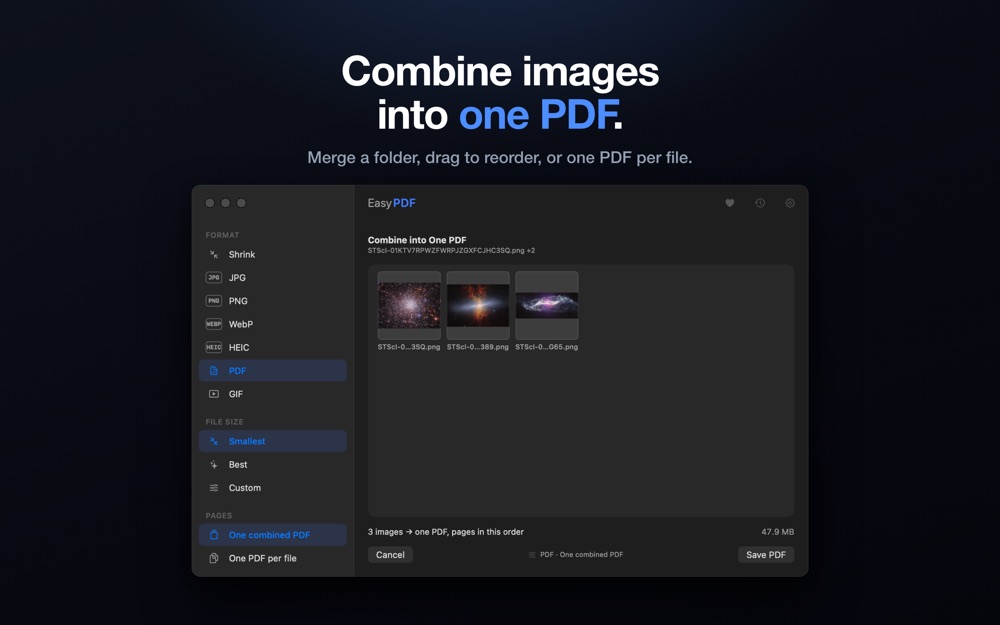
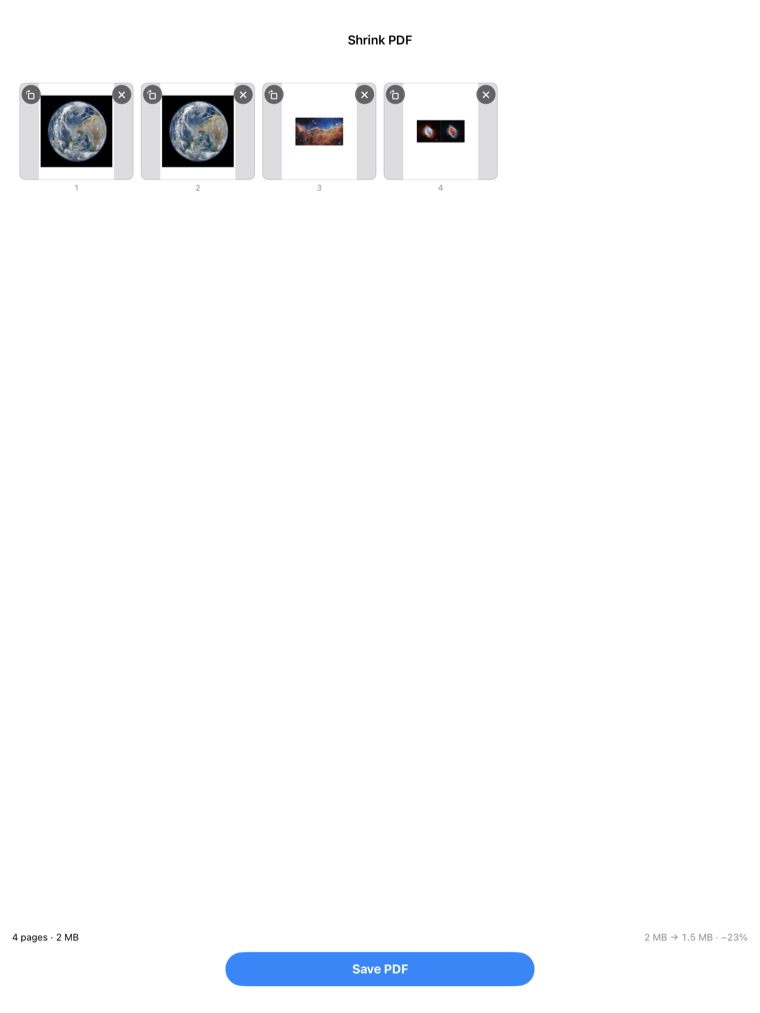
- Combine images into one PDF, or make one PDF per image. Drag the pages into the order you want first.
- Merge PDF files. Add several PDFs, choose "One combined PDF", and they become a single document with every page intact. Mac
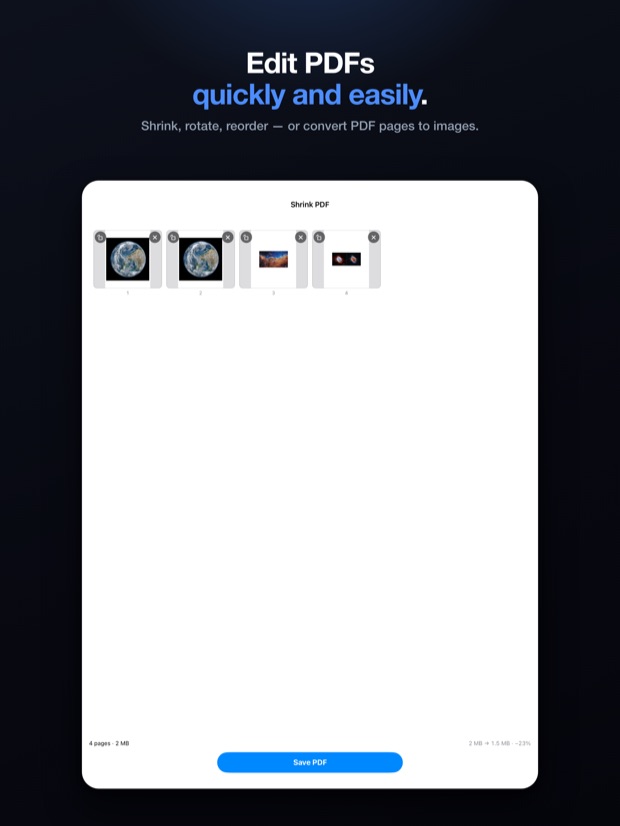
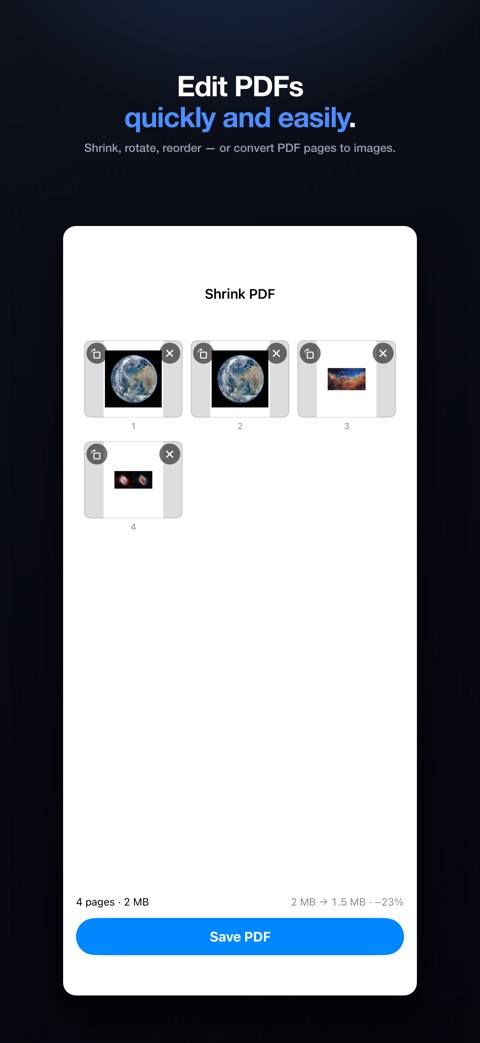
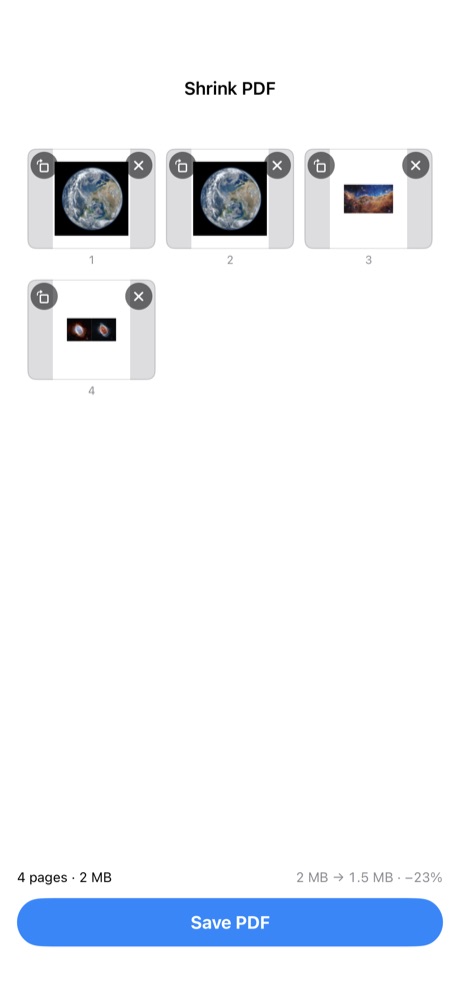
- Make PDFs smaller, and edit the pages. Rotate, reorder, or delete pages before saving.
- Save PDF pages as images, numbered and ready for the web or a slideshow.
- Convert Word documents to a PDF, or to one image per page. Mac
On your Mac, iPhone, and iPad
- Work in batches. On Mac, drop a folder and it works through everything inside. On iPhone and iPad, select a batch and it converts them all, then gives you a single summary at the end.
- Convert straight from Finder with a Quick Action and a Share extension, without opening the app. Mac
- Convert from the share sheet. Send a file to EasyJPEG from any app. Small jobs finish right there in the share card. iPhone and iPad
- Built for iPad. Two columns, drag and drop from other apps, and full keyboard and trackpad support. iPad
- Follows your light or dark setting, or you can lock it to one.
Everything is free
Every feature on this page works for everyone, on every device you own. The only in-app purchase is a tip jar, and it doesn't unlock anything.
Privacy
Your files never leave your device, because there's nowhere for them to go. EasyJPEG has no server. Every conversion happens on the machine in front of you.
- Nothing is uploaded. The app makes no network requests of its own. There's no server to send anything to.
- No ads, no trackers, no analytics. No third-party code of any kind.
- No account. Nothing to sign up for, no email address, no profile.
- Location data is always removed. Even with "Preserve metadata" turned on, GPS information is stripped from every file EasyJPEG writes.
- It never asks to read your photo library. On iPhone and iPad, Apple's photo picker hands over only the photos you chose. The only permission it ever asks for is the one that lets it save a file back to Photos, and it asks the first time you save one.
- Nothing about your conversions is saved to disk. The recent list is kept in memory and disappears when you quit.
- Diagnostics are off by default. Even turned on, they can't record file names, folders, or contents.
Download
Download on the App Store- Mac
- macOS 14 Sonoma or later. Runs natively on Apple silicon and Intel.
- iPhone & iPad
- iOS and iPadOS 17 or later.
- Opens
- JPEG, PNG, WebP, HEIC, GIF, TIFF, BMP, PDF, Word documents (Mac), and video including MP4, MOV, M4V, WebM, and MKV.
- Saves
- JPEG, PNG, WebP, HEIC, PDF, and GIF.
EasyJPEG is made by one person. There's no company behind it and no server anywhere. If something is broken or missing, email me — I read it.